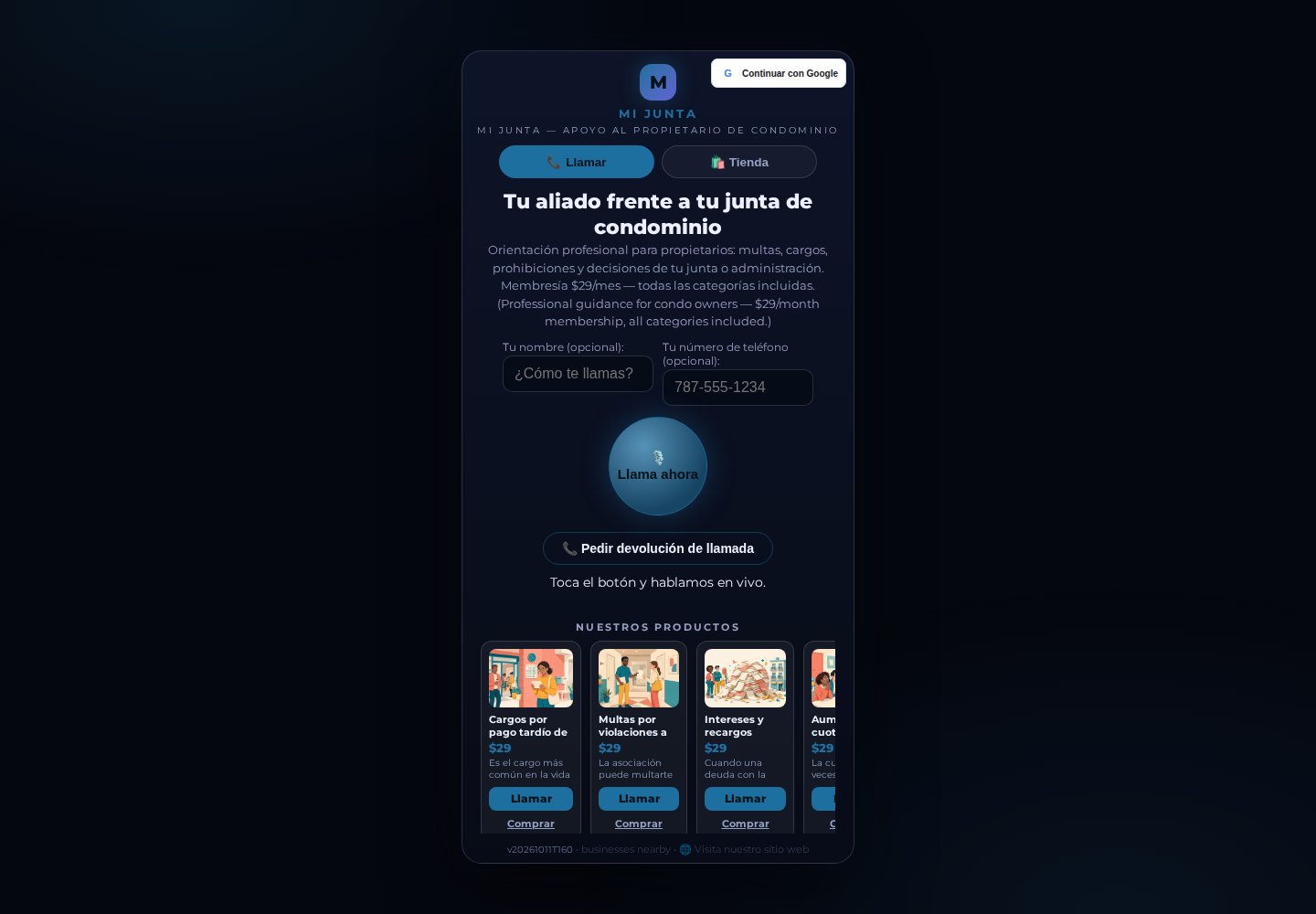
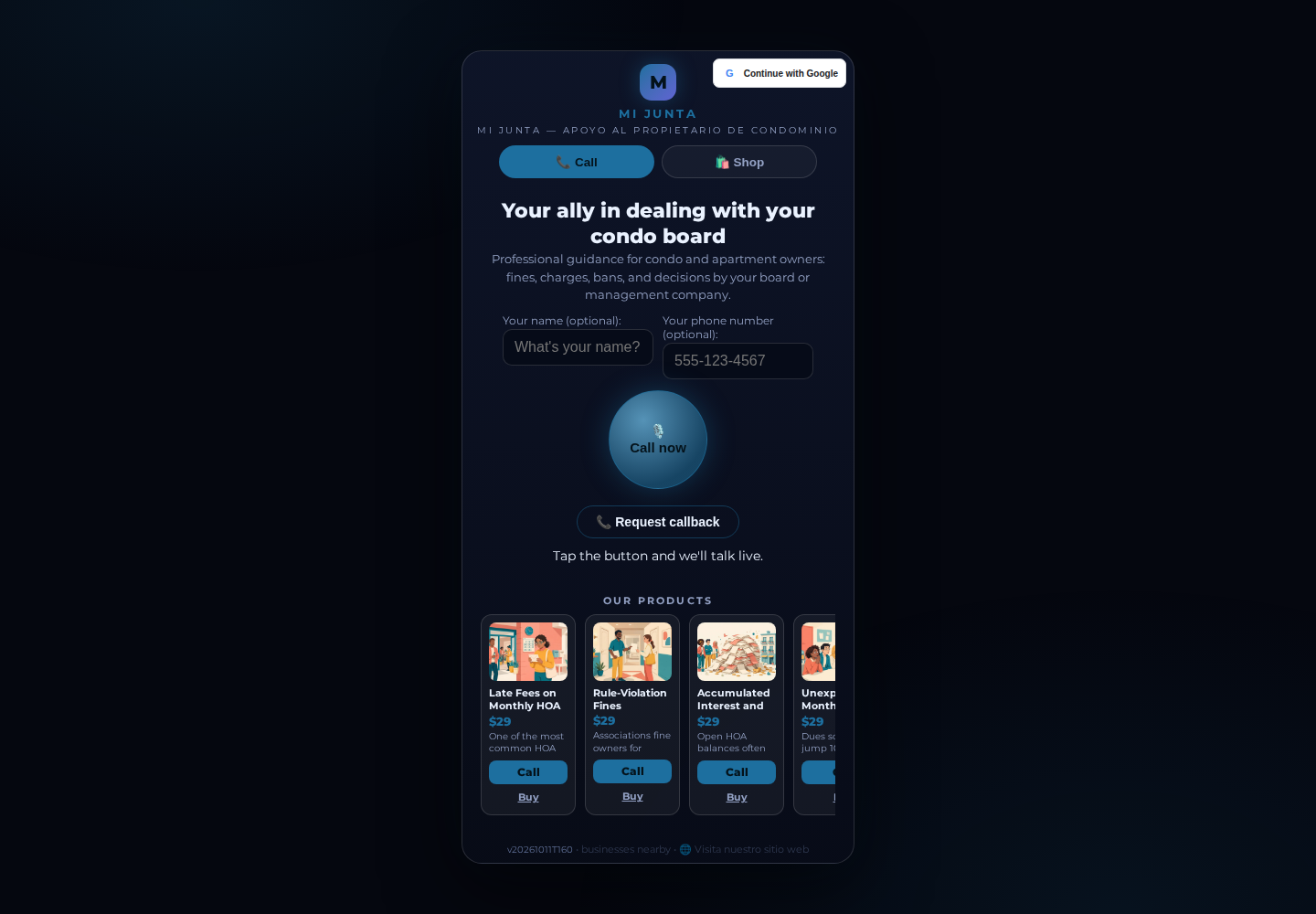
CallPages pages can speak your customer's language: enable the languages you serve, and one tap on a small flag switches the whole page — products, checkout, and the AI voice agent's spoken language. Mi Junta, the condo-owner advisory service on CallPages, runs in Spanish by default with English one tap away.
A business that serves customers in more than one language used to need more than one page — or had to pick a single language and lose everyone else. And even with a translated page, the voice agent still answered in whatever language the page happened to be written in.
Built for businesses that live in two languages
Mi Junta advises condominium owners about problems with their boards and management companies. Its audience is Spanish-first — so Mi Junta's page is Spanish by default. But owners share links with English-speaking spouses, attorneys, and family members, and until now every one of those visitors landed on a Spanish page with no way across.
Now the crossing is one tap. Mi Junta enables exactly two of the fourteen supported languages — Spanish and English — and the flag row at the top right of the page is deliberately tiny: two flags, no menu, no settings screen. The current language sits underlined; the other waits at half strength. It is the smallest interface we could ship, because it is one your visitors will use mid-scroll, one-handed, on a phone.
The call follows the flag
Switching the page language is not a cosmetic translation of the words on screen. When a visitor who chose English presses the call button, the voice agent is briefed with the English catalog — Mi Junta's 54 topics carry English names and descriptions — and it greets and speaks in English, with the matching speech locale. Choose Spanish and the same call happens entirely in Spanish. The page, the products, and the conversation are one experience, in one language, end to end.
Nothing ever renders blank
Translations are maintained per page, and real businesses translate gradually. So the rule is strict: any string you have not translated yet — a new product, a headline you rewrote — renders in your default language rather than as an empty gap. Your page is always complete; it is simply more translated this month than last.
Turning it on
Languages are a per-page setting. Pick the languages you offer, set the default, and add translations for the fields that matter most first — headline, greeting, and your best-selling products. You can add more languages later without touching the ones already live, which is exactly the path Mi Junta is on: Spanish and English today, the rest of the supported set when its audience asks for them.
How it works
- In your page settings, choose which languages your page offers — 14 are supported — and which one is the default
- Add translations for your headline, greeting, and product names and descriptions; anything you leave untranslated falls back to the default language, never to a blank space
- Visitors see a small row of flags at the top right of your page and your product pages; one tap switches everything, and the page remembers their choice for the visit
- The language travels with the link: share your page as /p/your-page?lang=en and it opens in English
- When a visitor calls, the agent greets them and speaks in the language they selected, working from your catalog in that language
See it live: Mi Junta
Mi Junta — CallPage · Mi Junta — website