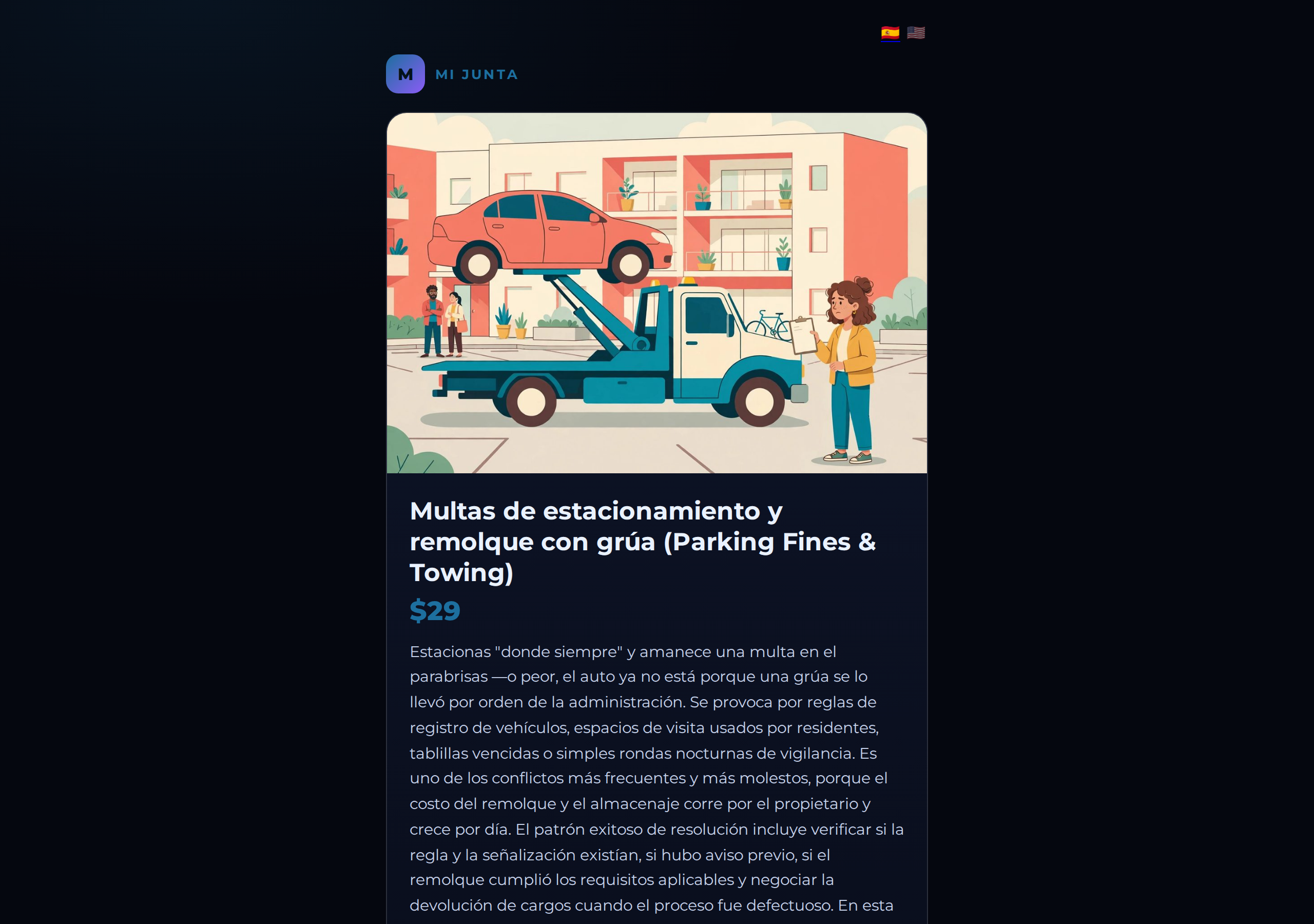
CallPages can illustrate products that have no photo: with the owner's opt-in setting on, a product without an image gets an illustration generated once from its name and description — and a real photo is never overwritten. All 54 of Mi Junta's advisory topics carry generated illustrations.
Product pages without photos look unfinished and sell badly. But services, advice, and one-off offerings often have no real photo to use — and the usual alternatives, a wrong photo or a random stock image, are worse than none at all.
Why Mi Junta needed this first
Mi Junta sells guidance, not goods. Its 54 products are situations — a lien threat, a towed car, a special assessment — and there is no warehouse shelf to photograph. With no photos at all, its shop looked like a form. With stock photography, it would have looked like everyone else's form.
So Mi Junta became the first page with auto-generated product images on. Every topic now carries an illustration drawn from its own name and description, in one warm, consistent style with no text baked in: the late-fee topic shows an owner reading a notice; the interest topic, a mountain of accumulated paper; the towing topic, a grúa lifting a car while the owner takes notes. Each image was checked by eye for relevance before it went on the page — including one that needed a second concept. The smoking-rules topic could not be drawn as smoking, so its illustration shows the conflict instead: a neighbor on the next balcony, waving away the drift. That is the standard the feature is held to.
The boundary we will not cross
This feature exists for products that have no photo. It does not change the rule for real merchandise: a restaurant's dishes and a shop's goods keep their real photos, because a customer buying a physical thing deserves to see the physical thing. Auto-generation is the illustration path for services and offerings where no real photo exists — under the owner's explicit switch, off by default, one product at a time, and it never overwrites a photo the owner already has. Empty was better than wrong; now, for the products that were always going to be empty, there is a third option.
How it works
- The setting is per page and off by default — find it in page settings, beside the language options, with a 'Generate missing product images' button
- Generation looks only at products that have no photo, and draws each illustration from that product's own name and description
- Each image is generated once and stored as the product's image on CallPages — it is not regenerated when visitors load the page
- A product that already has a real photo is skipped, always: generation never overwrites one
See it live: Mi Junta
Mi Junta — CallPage · Mi Junta — website